
How to Plan a Full Office AV Fit-Out Without Getting It Wrong

How to plan a full office AV fit-out without getting it wrong. The right order of decisions, common mistakes and what each room type needs.
Chris Gore | Updated 2026
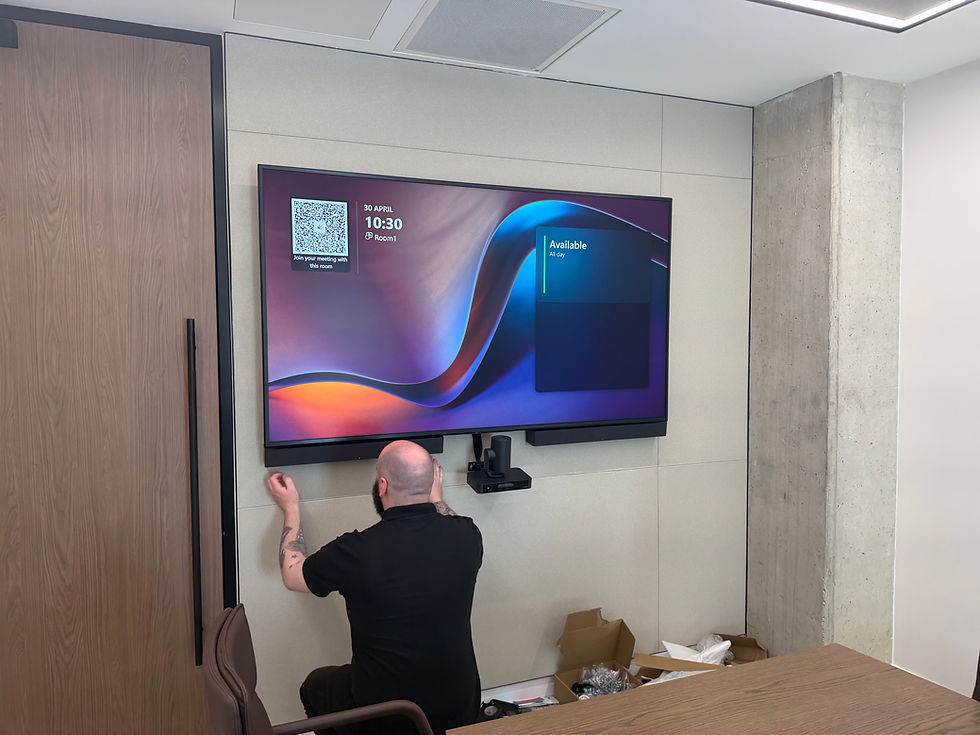
Most organisations approach an office AV fit-out the same way. Someone decides the office needs upgrading. A few suppliers get invited to quote. The quotes come back with hardware lists. The cheapest or the most impressive-looking one wins. The kit gets installed. The project is signed off.
Six months later, half the rooms are not being used properly, IT is fielding tickets about rooms that do not work, and nobody is quite sure whose job it is to fix them. This is not a technology problem. It is a planning problem. The order in which decisions get made determines everything about the outcome.
The Order That Actually Works for an Office AV Fit Out
Step one: audit what you actually have
Before anything is ordered or specced, understand the current state. What rooms exist. What size they are. What they are used for. What the existing technology is and what condition it is in. This is not exciting but it is essential. A fit-out that ignores the existing infrastructure will either over-spend on rooms that did not need replacing or under-spec rooms that needed more than a cosmetic upgrade.
Step two: standardise across room types
The most valuable decision in any office AV fit-out is standardisation. One logical system per room type, consistently applied across the building. The same interface in every small meeting room. The same camera logic in every boardroom. When rooms behave consistently, staff build familiarity, adoption increases and IT management becomes manageable.
This is what SPOR Group delivered for a major insurance company across eight meeting rooms on a single floor. The brief was clear: standardised, future-ready, consistent. Read the full case study: How a Major Insurance Company Transformed 8 Meeting Rooms.
Step three: spec each room type correctly
Different rooms have fundamentally different requirements. A four-person huddle room and a twenty-person boardroom are not the same problem with different price points. They need different cameras, different microphone solutions, different display sizes and different compute approaches. Speccing them from the same template is how you end up with a boardroom that sounds like a cupboard and a huddle room with a £3,000 PTZ camera pointing at an empty chair.
Step four: install and commission properly
Installation is not just plugging things in. Commissioning means setting up every parameter, camera presets, microphone sensitivity, echo cancellation, gain structure, touch controller logic, to the specific room before handover. A room that is installed but not commissioned will underperform regardless of the quality of the hardware. This is the step most suppliers rush.
Step five: monitor from day one
The fit-out is not finished when the engineers leave. It is finished when you have a system watching every device in every room continuously. SPORTrack monitors every connected AV device in real time. Issues are caught before meetings rather than during them. The room that breaks the night before the board presentation gets fixed before anyone walks in.
On a budget? Check this video out....
What Each Room Type Actually Needs.
Room Type | Display | Camera | Microphone | Compute |
Huddle 2 to 4 | 55 to 65 inch | Video bar built-in | Video bar built-in | Bar compute |
Meeting room 6 to 10 | 75 to 86 inch | Video bar or PTZ | Bar or table mic | Bar or appliance |
Boardroom 10 to 20 | Dual 75 to 86 inch | PTZ auto-track | Ceiling array | Windows compute |
Town hall 20+ | Video wall or large | Multi-PTZ | Wireless and ceiling | Full DSP system |
For a full breakdown of what each room type costs, read our 2026 full office AV installation cost guide.
The Mistakes That Cost the Most

Buying the kit before defining the use case
The spec should follow the use case. If you know a room is used for client presentations with external participants calling in, you need a camera that handles the full table, microphones that pick up everyone clearly and displays sized for the room depth. That is a different spec from a room used for internal catch-ups. Buying hardware first and asking questions later leads to expensive compromises.
No plan for after handover
Most fit-outs end at handover. The engineers leave. The client signs off. And then slowly, over weeks and months, rooms start to drift. Firmware goes unupdated. Cables work loose. Nobody notices until something fails in front of the CEO. This is not inevitable. It is just what happens when there is no monitoring in place. Our guide to why most AV installations fail six months after handover covers exactly how and why this happens.
Treating user training as optional
A room that nobody knows how to use delivers zero return on investment regardless of the quality of the hardware. A thirty-minute in-room training session at handover saves years of IT tickets and ensures adoption from day one. SPOR Group's user adoption service covers this as part of every fit-out rather than as an afterthought.
SPOR Group delivers complete office AV fit-outs for businesses across the UK. The process starts with a proper audit, moves through standardised specification for each room type, professional installation and commissioning, user adoption training and SPORTrack monitoring from day one. Use the AV pricing estimator to get a ballpark figure for your specific project in under sixty seconds.
Get an instant AV pricing estimate tailored to your rooms |
Frequently Asked Questions
What is an office AV fit-out?
An office AV fit-out is the process of designing, specifying, installing and commissioning audio-visual technology across an office building. This typically covers meeting rooms, boardrooms, huddle spaces, town hall spaces and communal areas, with standardised technology matched to the use case of each room type.
How long does an office AV fit-out take?
Timeline depends on the size of the building and the complexity of the installation. A single-floor fit-out of eight to ten rooms typically takes two to three weeks from installation start to sign-off, assuming the specification work has been completed in advance. Larger multi-floor projects run longer.
What is the most important thing to get right in an office AV fit-out?
Standardisation. One logical system per room type, consistently applied across the building. When rooms behave consistently, staff build familiarity and adoption increases. Inconsistent rooms — where every space has a different interface — are the most common cause of low adoption and ongoing IT support burden.
What does commissioning mean in an AV fit-out?
Commissioning is the process of configuring every setting on every device to the specific room after installation. Camera presets, microphone sensitivity, echo cancellation, gain structure, touch controller logic. A room that is installed but not commissioned will underperform regardless of the hardware quality.
How much does an office AV fit-out cost in the UK?
Cost depends on the number of rooms, room types, technology specification and installation complexity. Use the SPOR AV pricing estimator for a ballpark figure based on your specific project. Our full office AV installation cost guide covers the detail behind the numbers.


Comments